


How we handled multi-role complexity in youth sports onboarding without forcing users through a generic registration wall.
Most user onboarding assumes every new user arrives for the same reason. That assumption breaks when one youth sports software product serves parents, young players, coaches, referees, and club managers, each with different responsibilities and reasons for signing up.
This was one of the design challenges we worked through while rebuilding United Futsal's platform at RAGEBITE. The platform brings together everyone involved in youth futsal competitions, and we needed onboarding that could handle all of them without forcing every user through a complicated registration process. A better signup form was the easy part. The harder questions were what should happen after a user arrives, what information we actually need from them, and how their journey changes depending on why they're there.
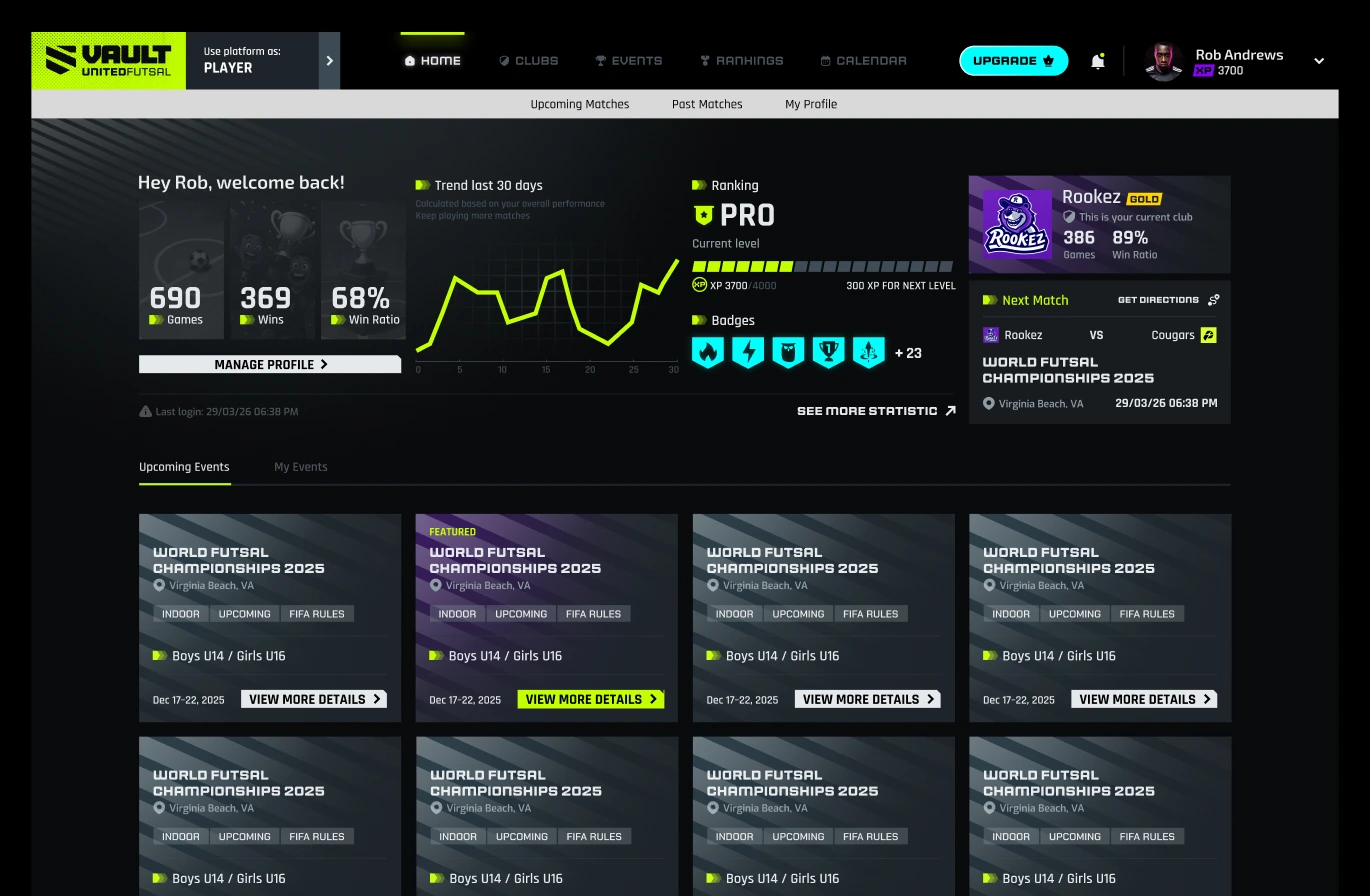
One user, several roles
Before defining the onboarding steps, we needed to understand the relationships between the platform's users. In a typical consumer application, an account represents a single user who manages their own information. Youth sports work differently.
A parent might manage several children, each on a different team. A coach can also be a parent or a player. A referee might already have an account under another role. A club manager needs organizational tools that regular players shouldn't see. These aren't separate accounts. They are distinct responsibilities belonging to the same user.
So instead of treating roles as permanent account types, we designed the experience around a user having one or more roles. Users identify their responsibilities during role-based onboarding, and the platform guides them through the relevant steps. The underlying system supports all of these relationships, but the UI shouldn't show all that complexity at once.
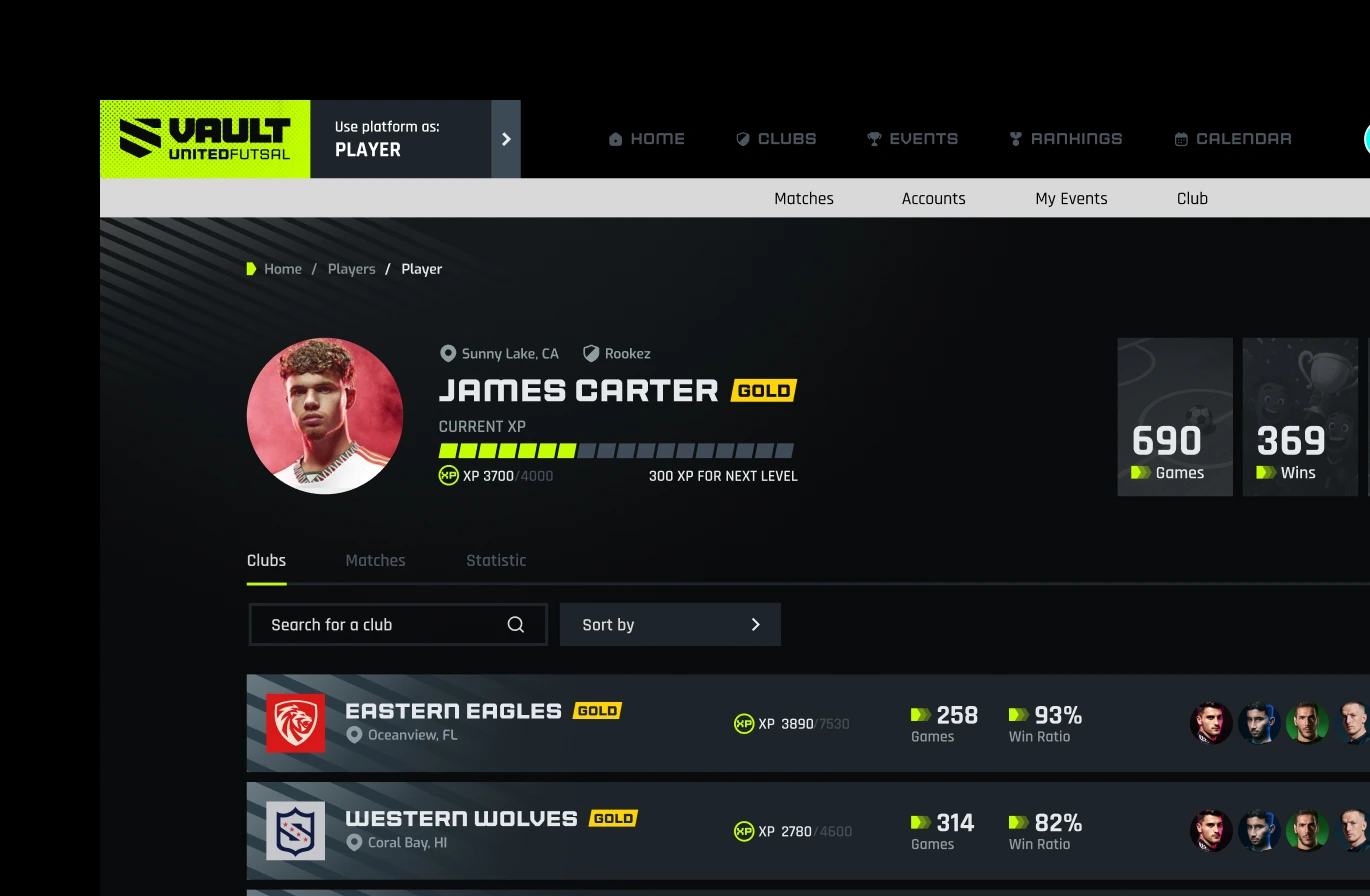
Remove decisions that don't apply
Once we understood the different users, the next question was how to organize their journeys. We explored several onboarding prototypes, testing the order of steps, the amount of information shown, and how much explanation each decision needed.
We cut the long role explanations from our early designs. Each role now offers a direct path, so users recognize their situation immediately. A parent doesn't need a paragraph explaining guardianship. They need a direct path to add a child.
We also separated the steps that apply to everyone from those that matter only for certain roles. Everyone needs an account and a basic profile. Adding managed accounts matters to parents, and club creation matters to club managers. This led us to a conditional onboarding flow: one underlying process, with different paths depending on the user's role. Fewer screens helped, but the bigger gain was that each user faced fewer decisions that had nothing to do with them.
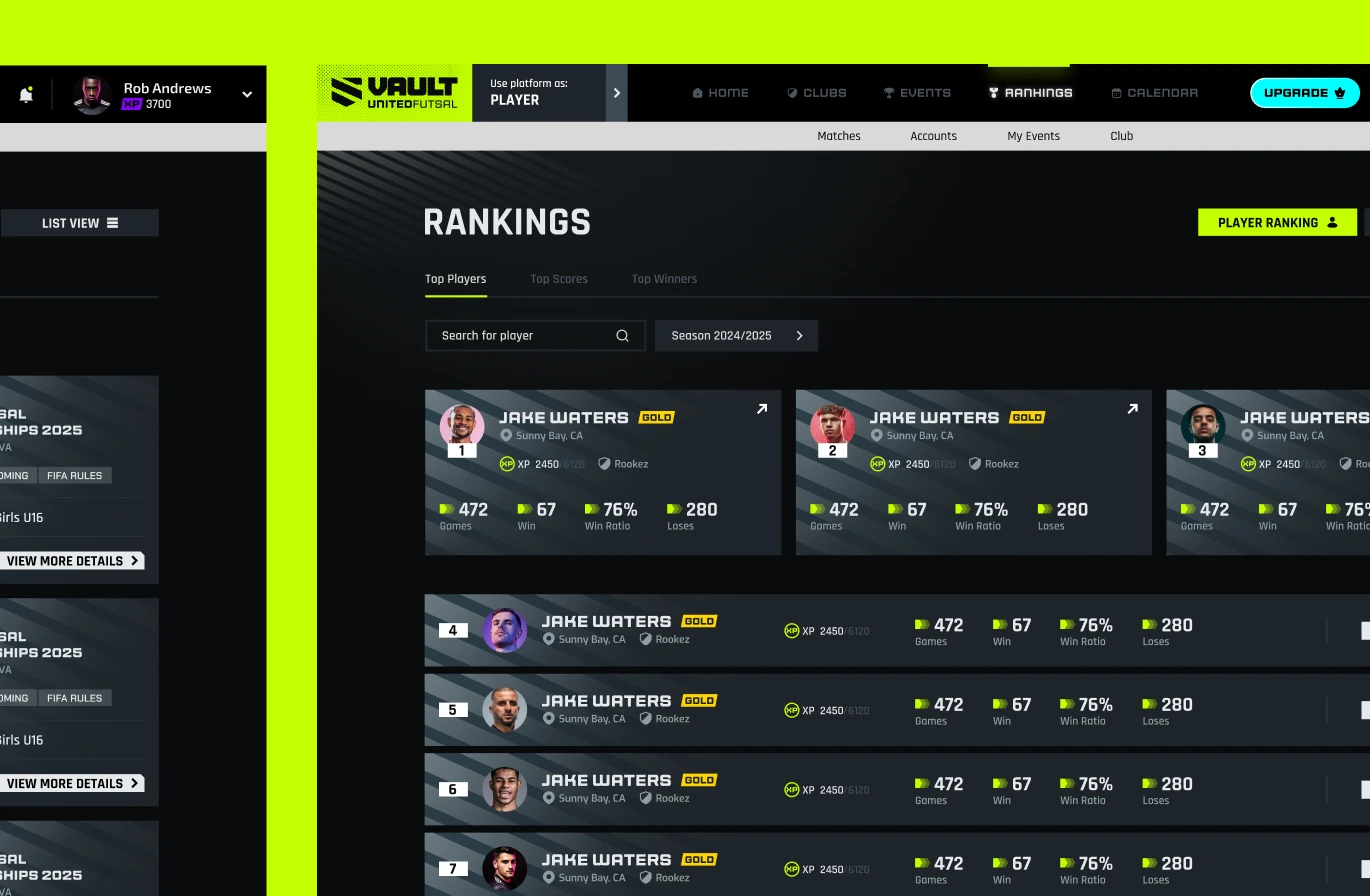
Access before verification
One of the decisions we explored was when users should complete membership and identity verification. Both are important in organized sports. But important doesn't always mean necessary in the first few minutes of using a product.
A player might want to explore the platform before buying a membership. A parent might first need to add their child and find the right club. A referee accepting an invitation needs to know which event they're joining. Requiring everyone to finish every step right away would make registration longer and add obstacles nobody needed.
We designed the flow so that some steps, including membership and identity verification, could be deferred when the user's immediate action didn't require them. This separated access to the platform from being ready to take part in activities that need verification or membership, so users could start before finishing every requirement. That split is useful in any product where accounts, permissions, payments, and eligibility are related but don't all need to be resolved at the same time.
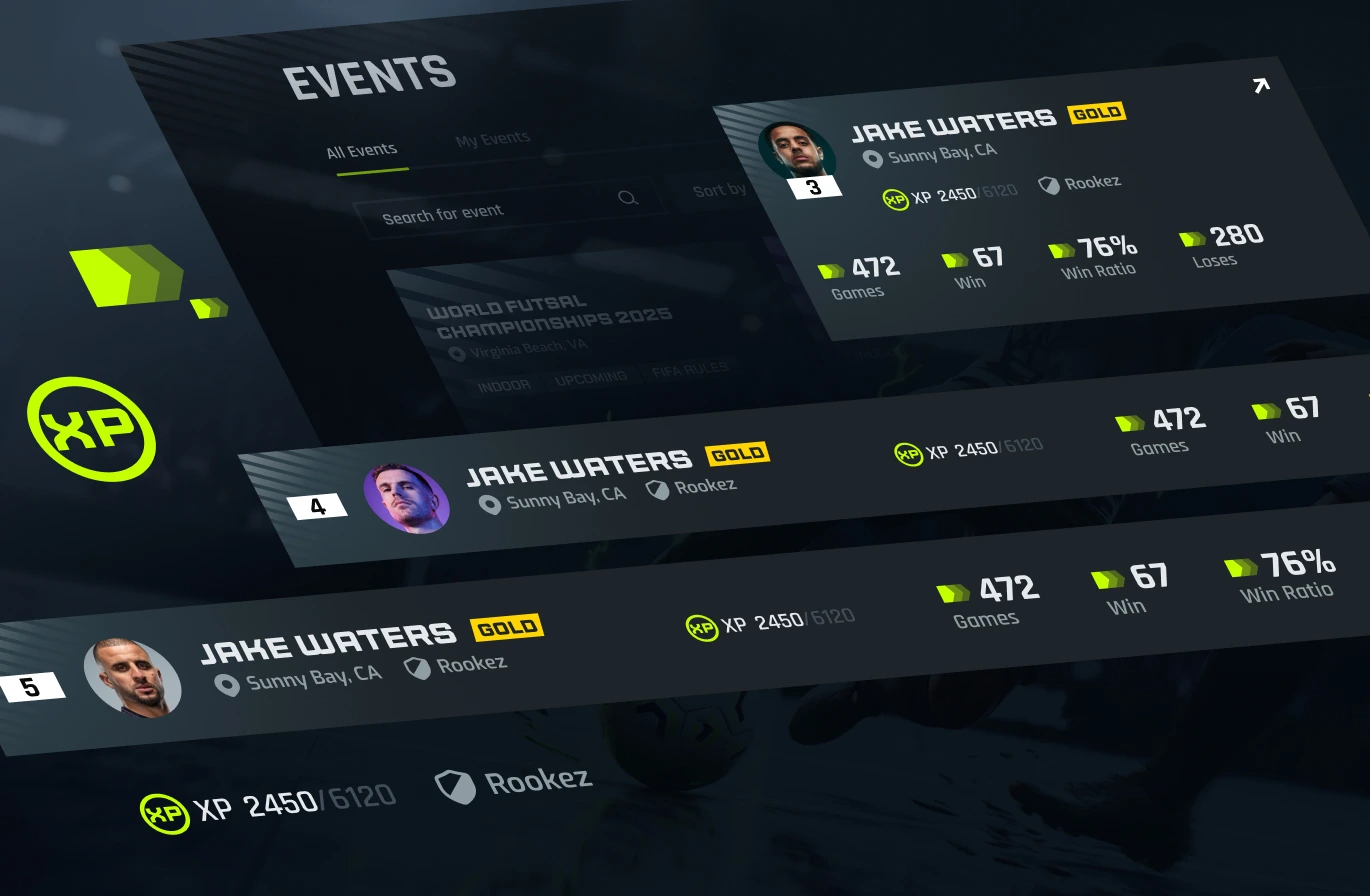
An invitation already carries context
Not everyone finds a platform and decides to register on their own. On United Futsal, many users arrive because someone else needs them there. A club manager invites a player. An organizer invites a referee. A coach might already have an account, while another user receiving the same invitation has never used the platform.
An invitation carries context, because the platform already knows something about why that user is arriving. We wanted to keep that context instead of sending users to a generic registration screen to figure out what to do next. For new users, the invitation flow can combine account creation and accepting the invitation. For existing users, it recognizes their account and lets them continue without registering again.
The invited role is part of that experience. A user accepting an invitation as a referee shouldn't have to find that role manually after signing up. We also had to handle invitation states: pending, accepted, declined, expired, or already used. These states matter because users open an email days later, follow the same link twice, or come back after an interrupted registration.
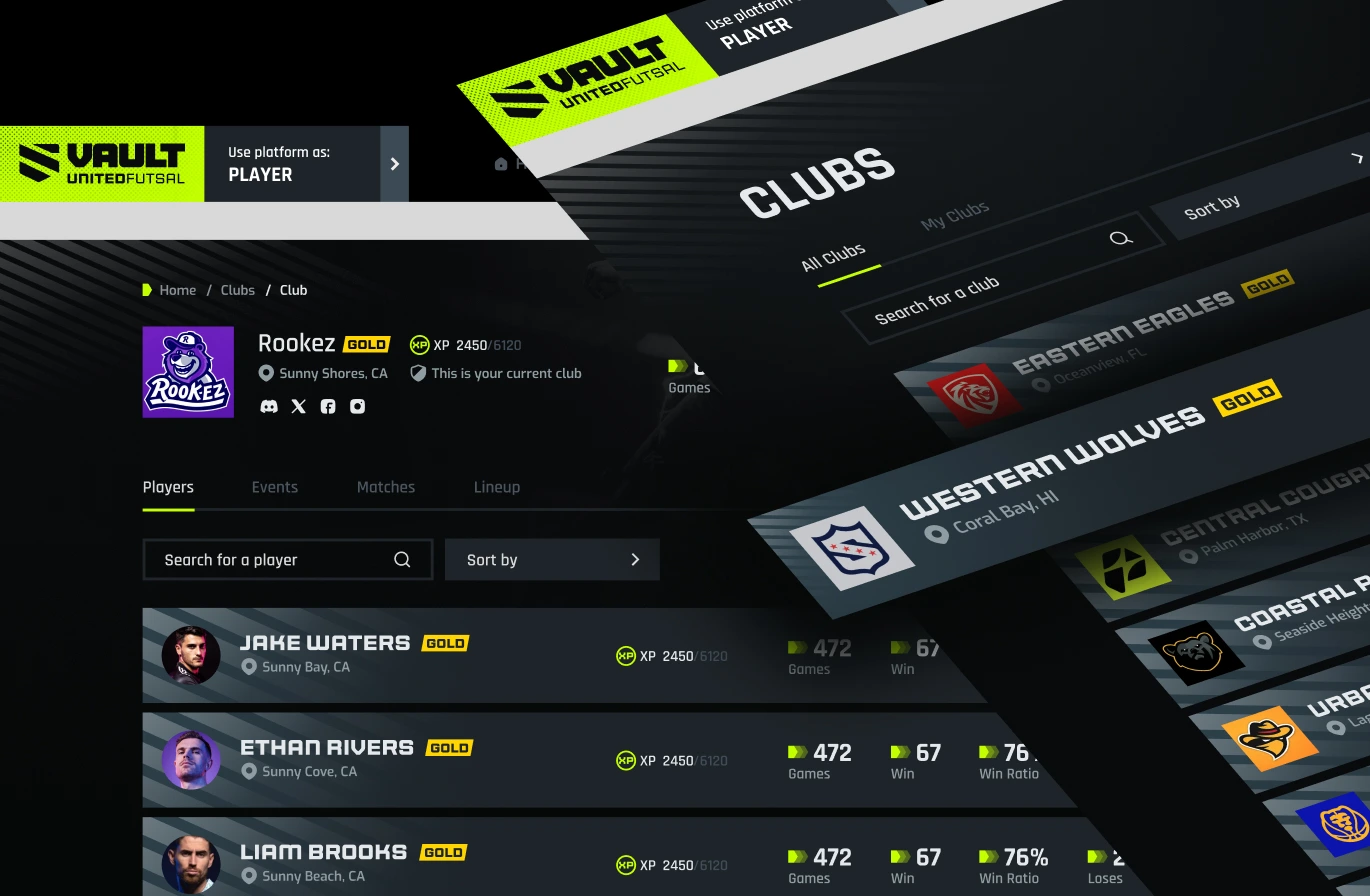
A good invitation flow connects an email to the action a user was invited to take. Account creation is only one part of that journey.
A child's onboarding involves a guardian
Youth sports added another layer. A child can't always complete onboarding alone. Depending on their age, a guardian has to be involved before certain actions can be completed. That creates a journey involving two users, sometimes on different devices and arriving through different links.
We designed managed accounts so guardians could create and manage profiles for their children. That wasn't enough on its own, because invitations also needed to understand these relationships. When a child receives an invitation to join a club or officiate an event, the platform has to recognize that a guardian must be involved, collect the right information, and not treat the process as complete too early. When different invitation paths lead to the same outcome, every one of them has to apply the same age and guardian rules.
Validating structure before writing code
We worked through several onboarding prototypes and compared how different users moved through registration. Their main value was showing how a decision early in the flow shaped everything after it.
Selecting a role is a good example. That one choice decides whether a user needs to create a managed account, buy a membership, find a club, or complete extra verification. Mapping those dependencies in a clickable prototype let us check the structure of the flow before any of it was built.
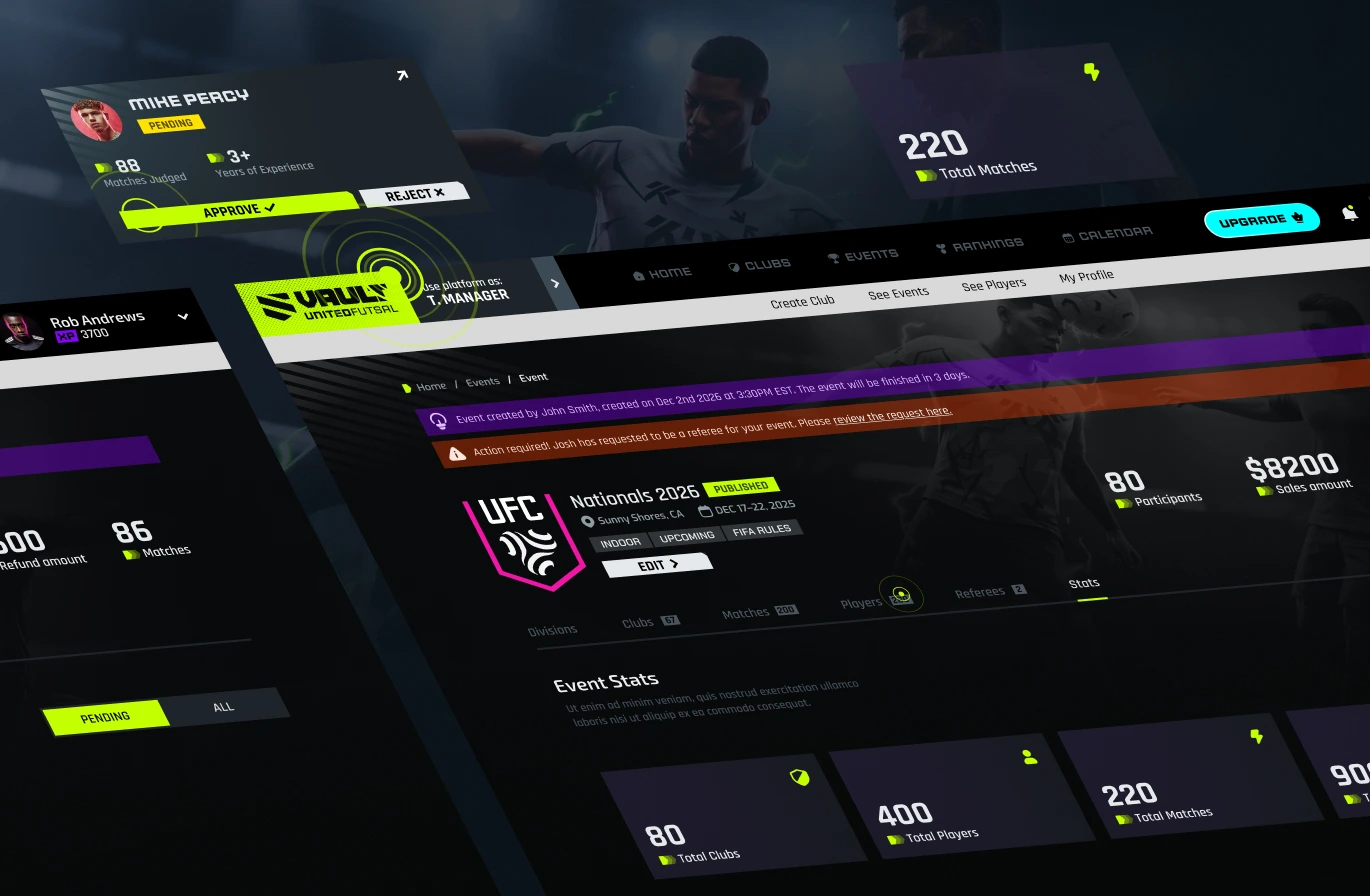
We kept validating once implementation started, across new registrations, existing accounts, invitations, multiple roles, managed accounts, guardian approval, and different entry points. The findings that mattered most were state mismatches: moments when the UI showed that a step was done, but the system still required something that hadn't happened yet, such as a guardian's approval.
Where the complexity lives
We couldn't remove the complexity of youth sports from United Futsal. Multiple roles, managed accounts, invitations between users, clubs and events, and actions that depend on membership or verification are part of how the platform works. What we could decide was where that complexity lives. It belongs in the rules underneath, so that each user only sees the step in front of them.
That is also how we came to judge the onboarding. A short flow mattered less than one result.
Every path, however a user arrives, has to end in the right state: the right role, the right guardian step, and an invitation that is only complete when it really is.
See the full rebuild in the United Futsal case study, or get in touch about your own product.
